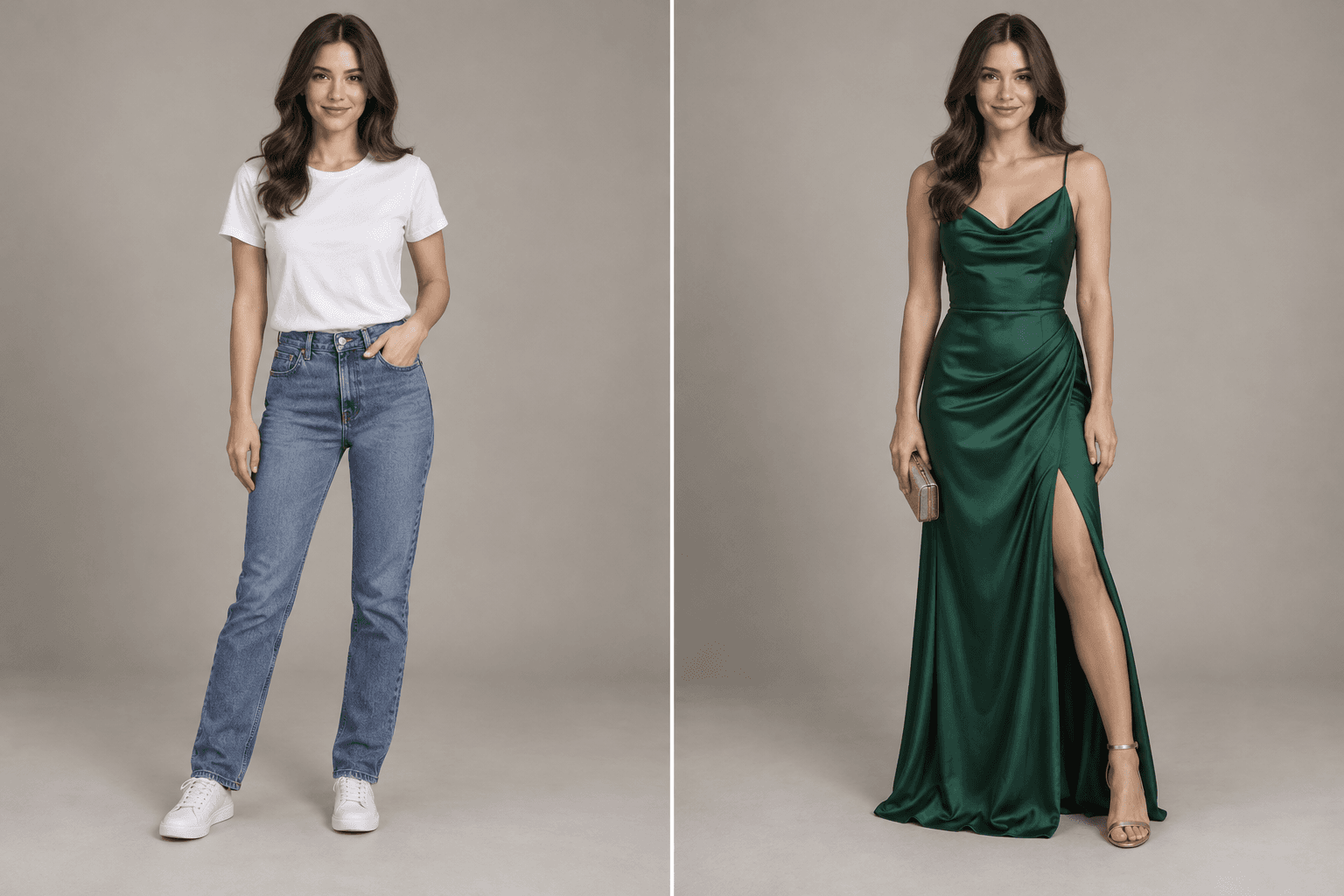
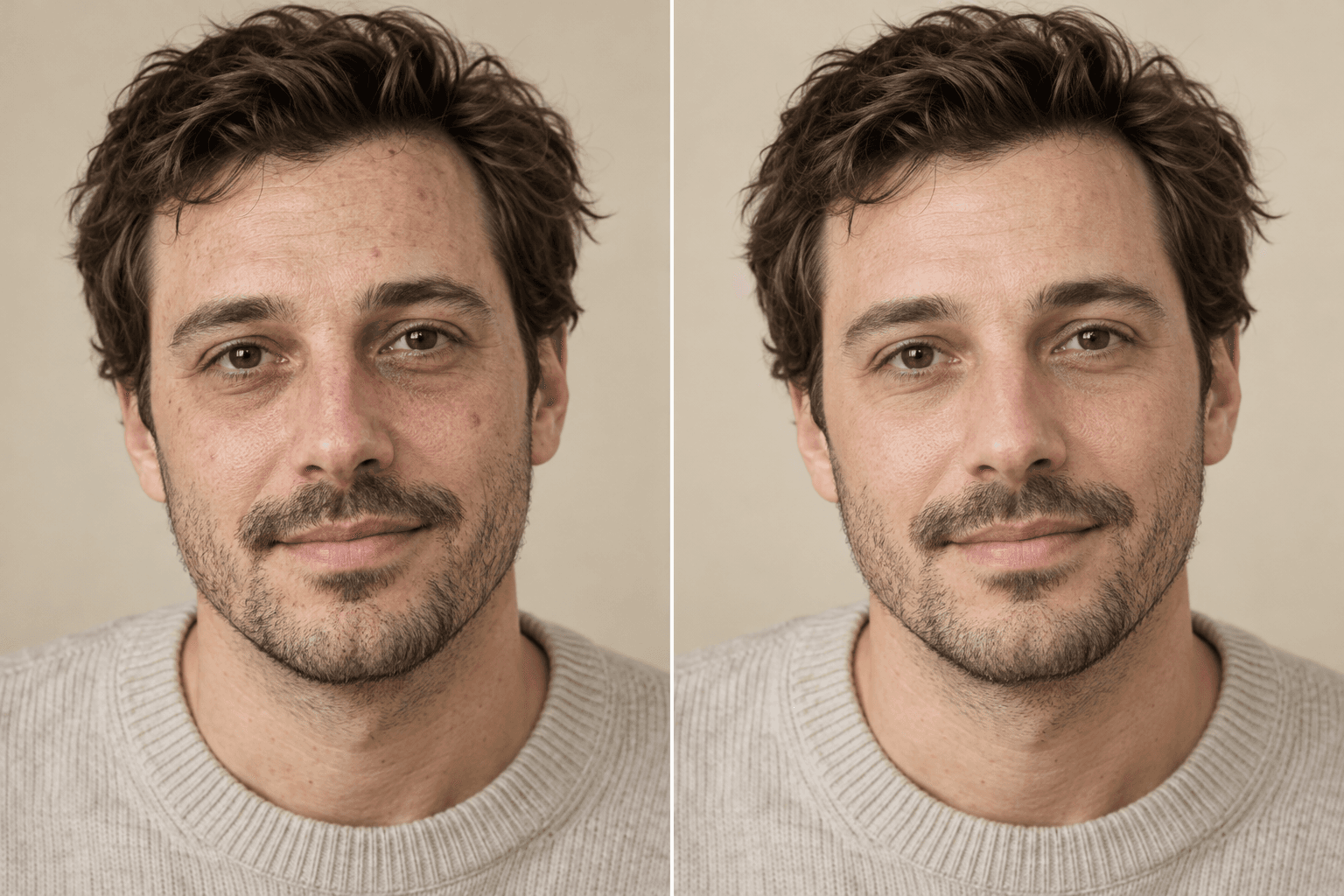
How does the Age Transformation work?
Upload a photo, choose a direction and edit strength, add any details, then generate. Create an age progression or age regression that respects facial structure and avoids caricature.
Transform · AI photo editor
Create an age progression or age regression that respects facial structure and avoids caricature.
What stays locked
Better inputs, better outputs
Choose a clear adult portrait with natural lighting, visible facial structure, and no heavy retouching.
Select one life stage per generation.
Keep strength moderate for believable progression.
Avoid mixing age changes with hairstyle or background edits.
Questions, answered
Upload a photo, choose a direction and edit strength, add any details, then generate. Create an age progression or age regression that respects facial structure and avoids caricature.
Choose a clear adult portrait with natural lighting, visible facial structure, and no heavy retouching.
No public gallery is enabled by default. Your generations appear in your signed-in workspace, where you can remove them from your account history.
Keep creating