How does the Background & Relight work?
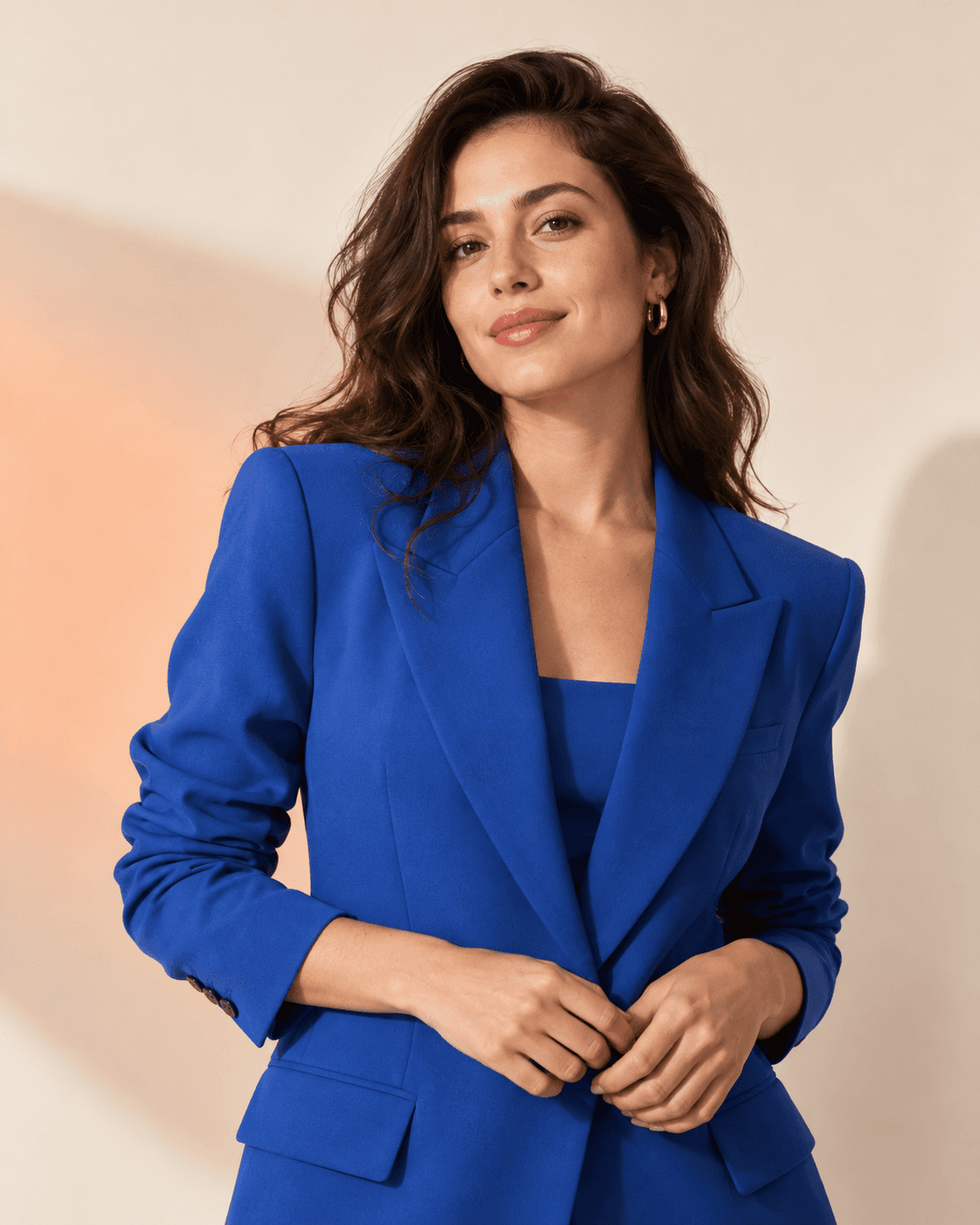
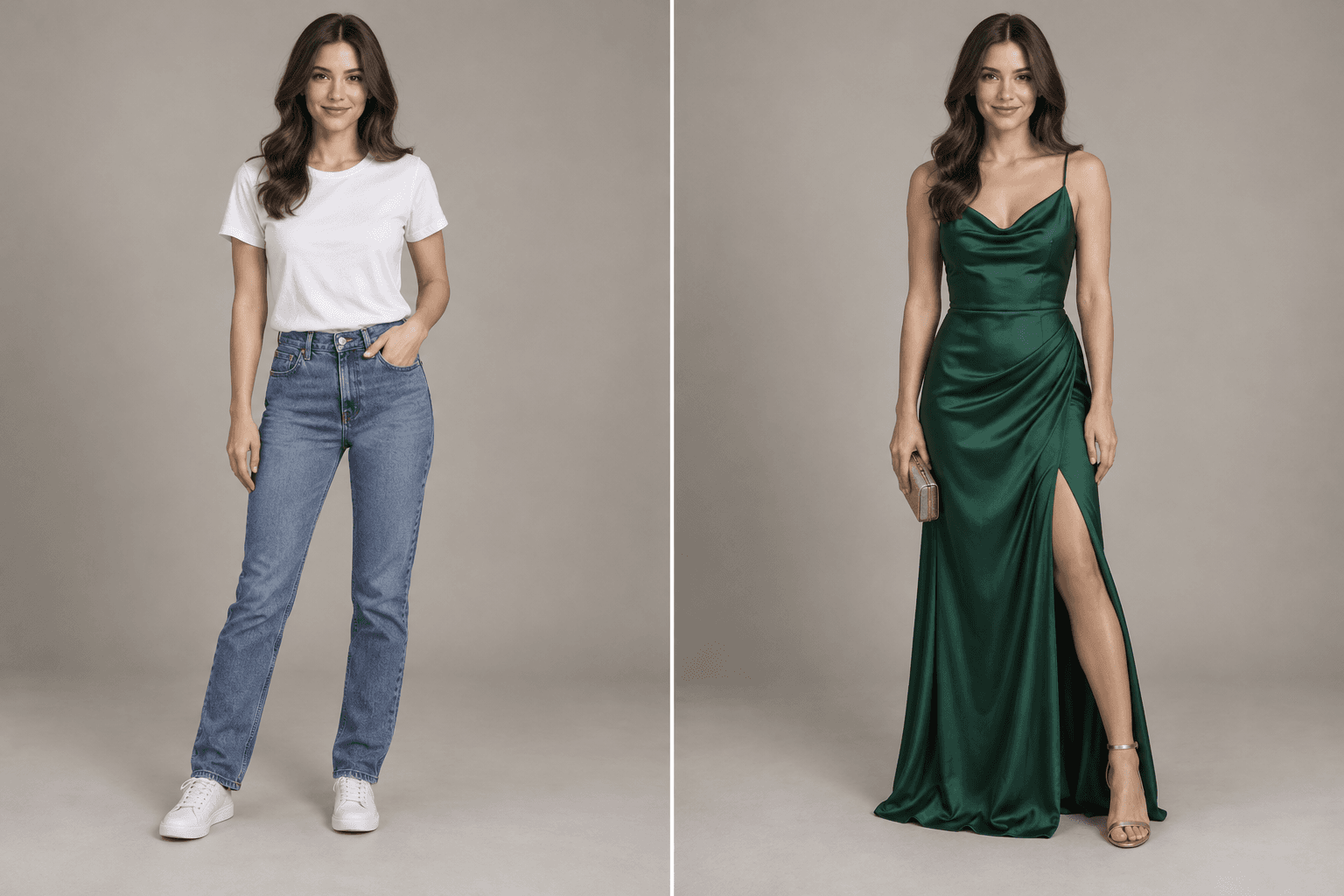
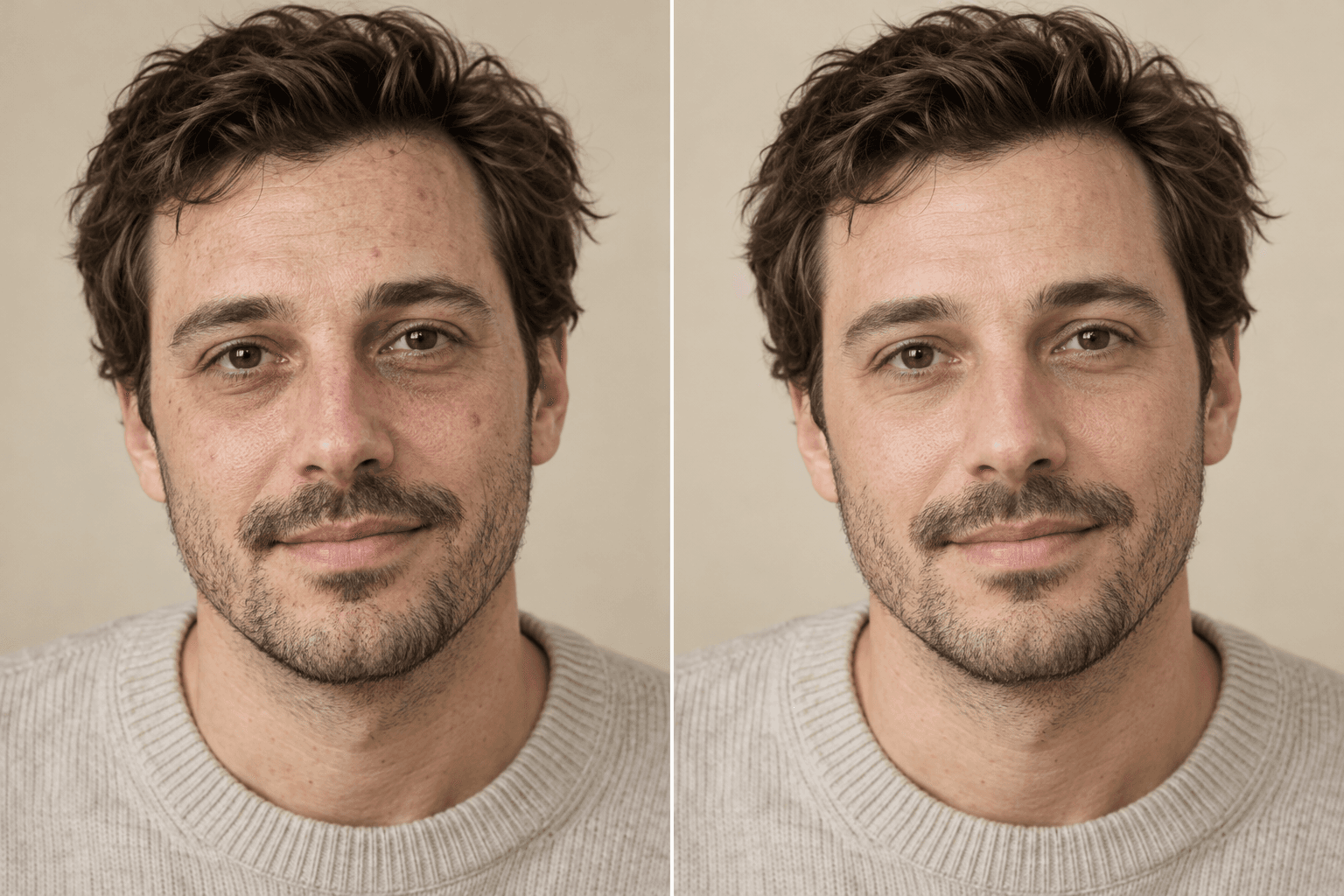
Upload a photo, choose a direction and edit strength, add any details, then generate. Give a portrait a cleaner backdrop or more flattering light without changing face, body, outfit, or pose.
Essentials · AI photo editor
Give a portrait a cleaner backdrop or more flattering light without changing face, body, outfit, or pose.
What stays locked
Better inputs, better outputs
Use a well-exposed portrait with clear subject edges and enough space around hair, shoulders, and feet.
Describe the new environment and time of day.
Ask for matching light direction and contact shadows.
Keep the original subject and camera perspective explicitly locked.
Questions, answered
Upload a photo, choose a direction and edit strength, add any details, then generate. Give a portrait a cleaner backdrop or more flattering light without changing face, body, outfit, or pose.
Use a well-exposed portrait with clear subject edges and enough space around hair, shoulders, and feet.
No public gallery is enabled by default. Your generations appear in your signed-in workspace, where you can remove them from your account history.
Keep creating