How does the Professional Headshot work?
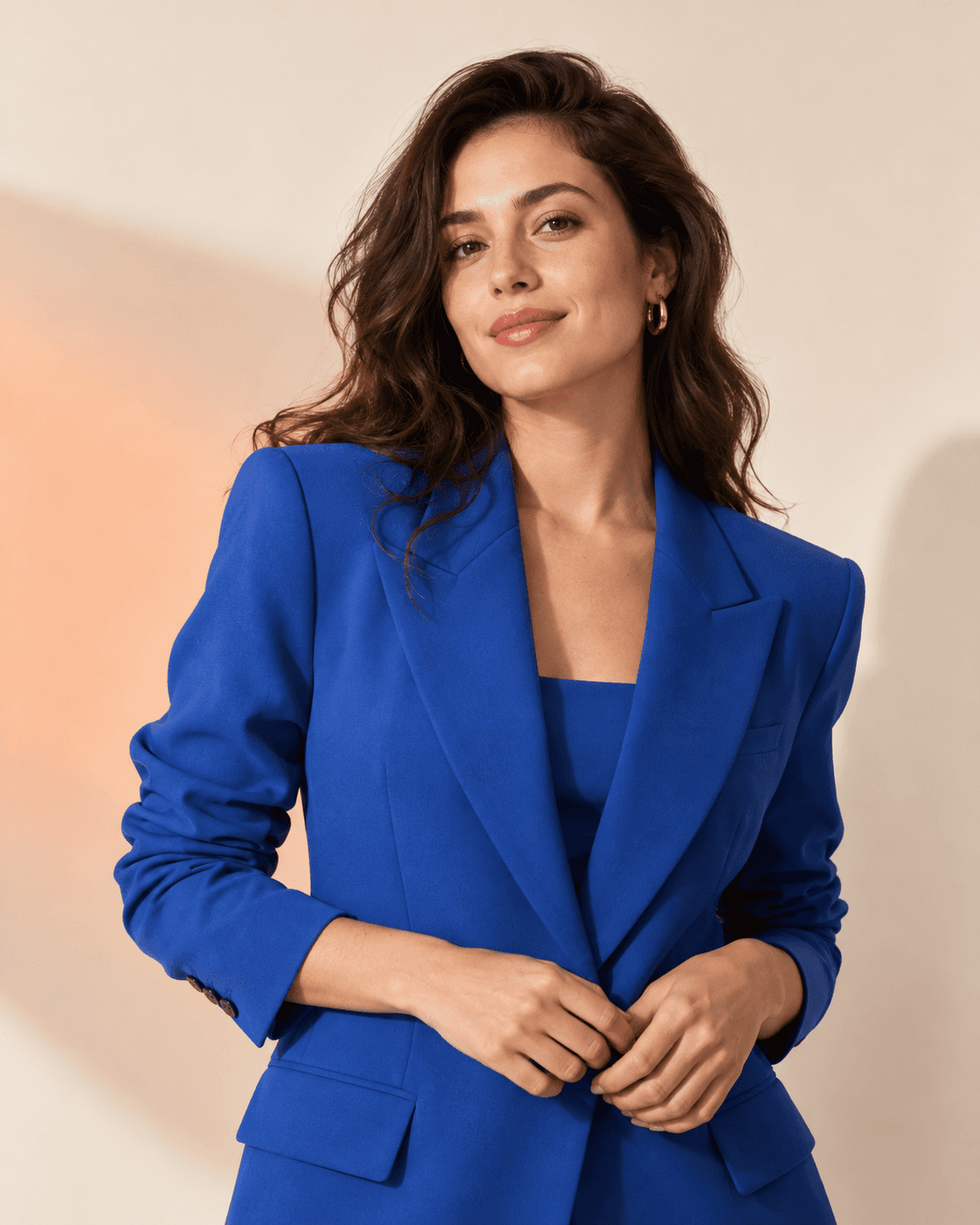
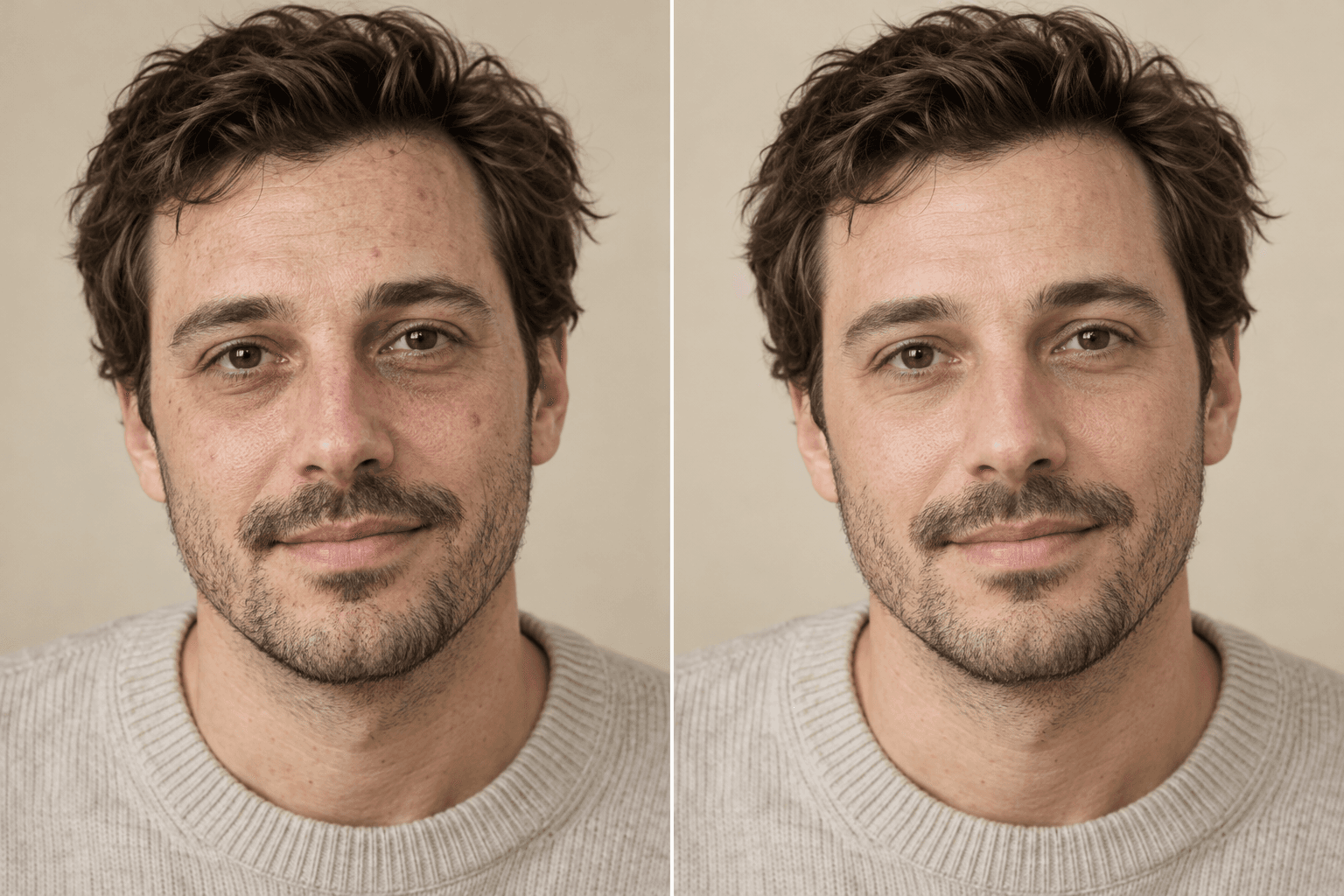
Upload a photo, choose a direction and edit strength, add any details, then generate. Create a clean headshot for a résumé, team page, or professional profile without losing the person’s real identity.
Essentials · AI photo editor
Create a clean headshot for a résumé, team page, or professional profile without losing the person’s real identity.
What stays locked
Better inputs, better outputs
Use a high-resolution solo portrait with the face in focus, a neutral expression, and no strong beauty filter.
Choose a background that fits your industry.
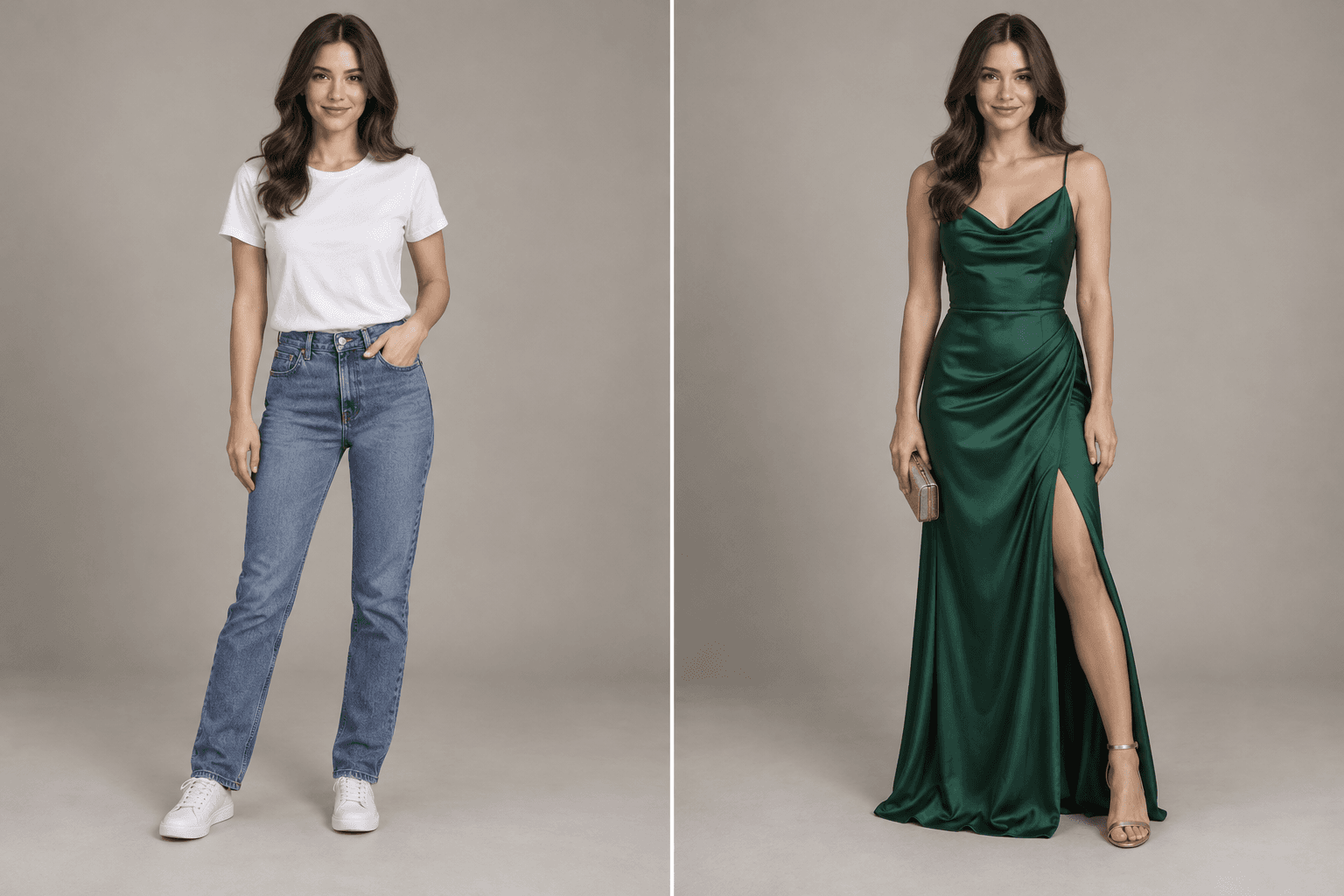
Describe wardrobe and crop without changing identity.
Use a sharp, evenly lit source photo for profile-ready detail.
Questions, answered
Upload a photo, choose a direction and edit strength, add any details, then generate. Create a clean headshot for a résumé, team page, or professional profile without losing the person’s real identity.
Use a high-resolution solo portrait with the face in focus, a neutral expression, and no strong beauty filter.
No public gallery is enabled by default. Your generations appear in your signed-in workspace, where you can remove them from your account history.
Keep creating